 Recovib SUITE
Monitor your Recovib device
The free Recovib Suite software lets you configure various Recovib devices, including Tiny, Feel and Monitor, and analyse your measurements on Windows. Five application modules cover the full workflow, from setting up a recording to exporting the data.
- Price
- Free
- Support
- Windows computer
- Min. requirement
- Windows 10
- Compatible with
- Recovib Tiny, Recovib Feel
& Recovib monitor
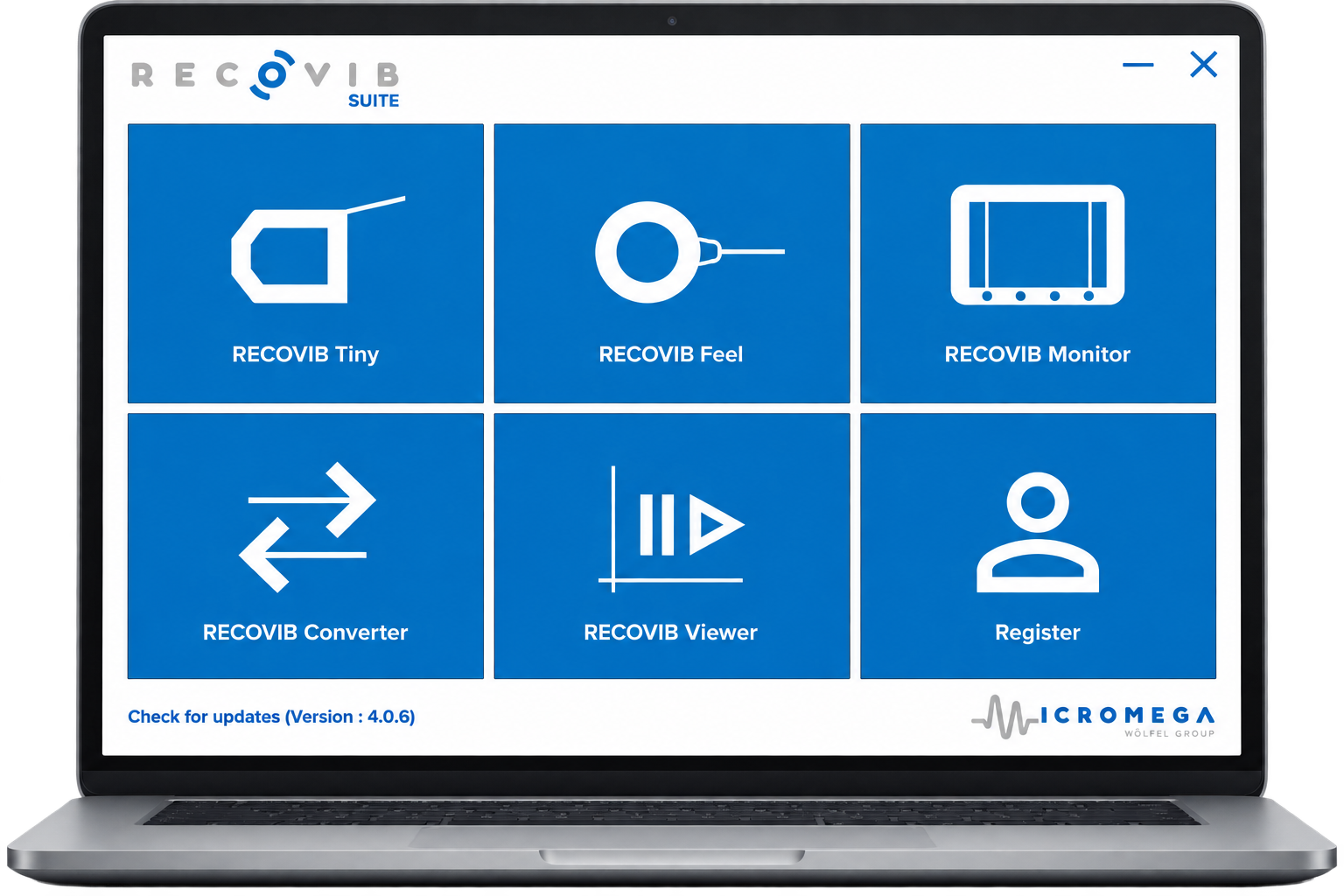
Five application modules

Recovib.Tiny Module
Set up the Recovib Tiny vibration recorder, define the recording period and download the recorded data to the host PC.
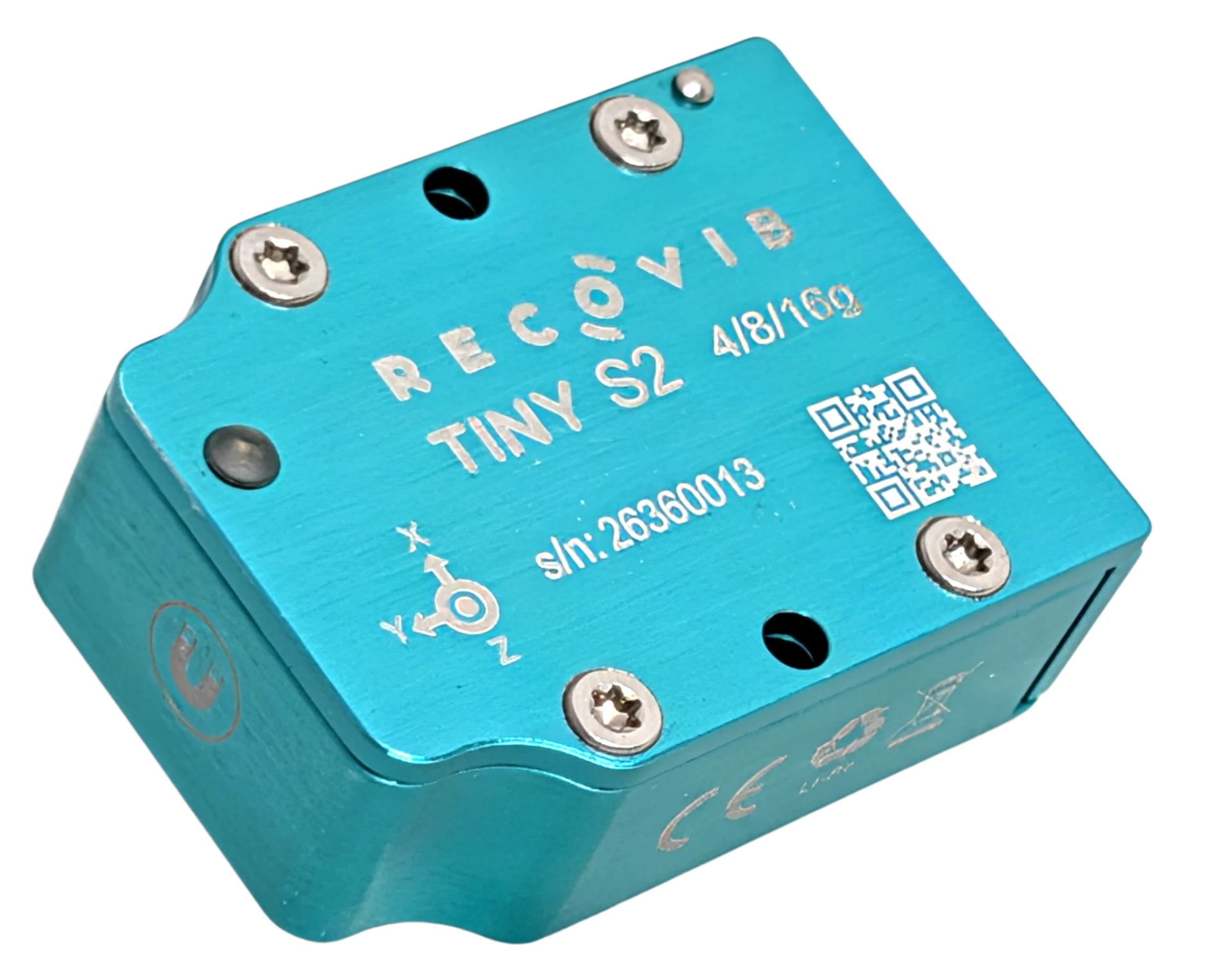 Discover the Recovib Tiny
Recovib.Feel Module
Visualize and record signals acquired with the Recovib Feel USB vibration sensor connected to the host PC.
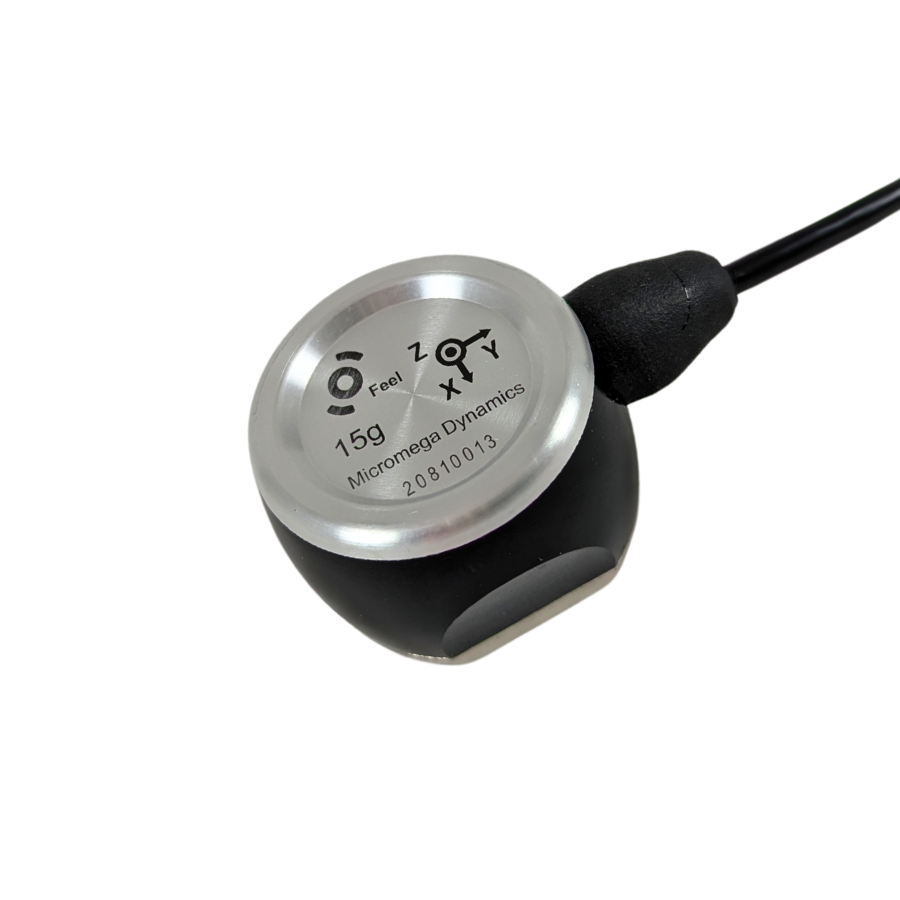 Discover the Recovib Feel
Recovib.Monitor Module
Visualize and record signals acquired with Recovib Monitor acquisition systems connected to the host PC.
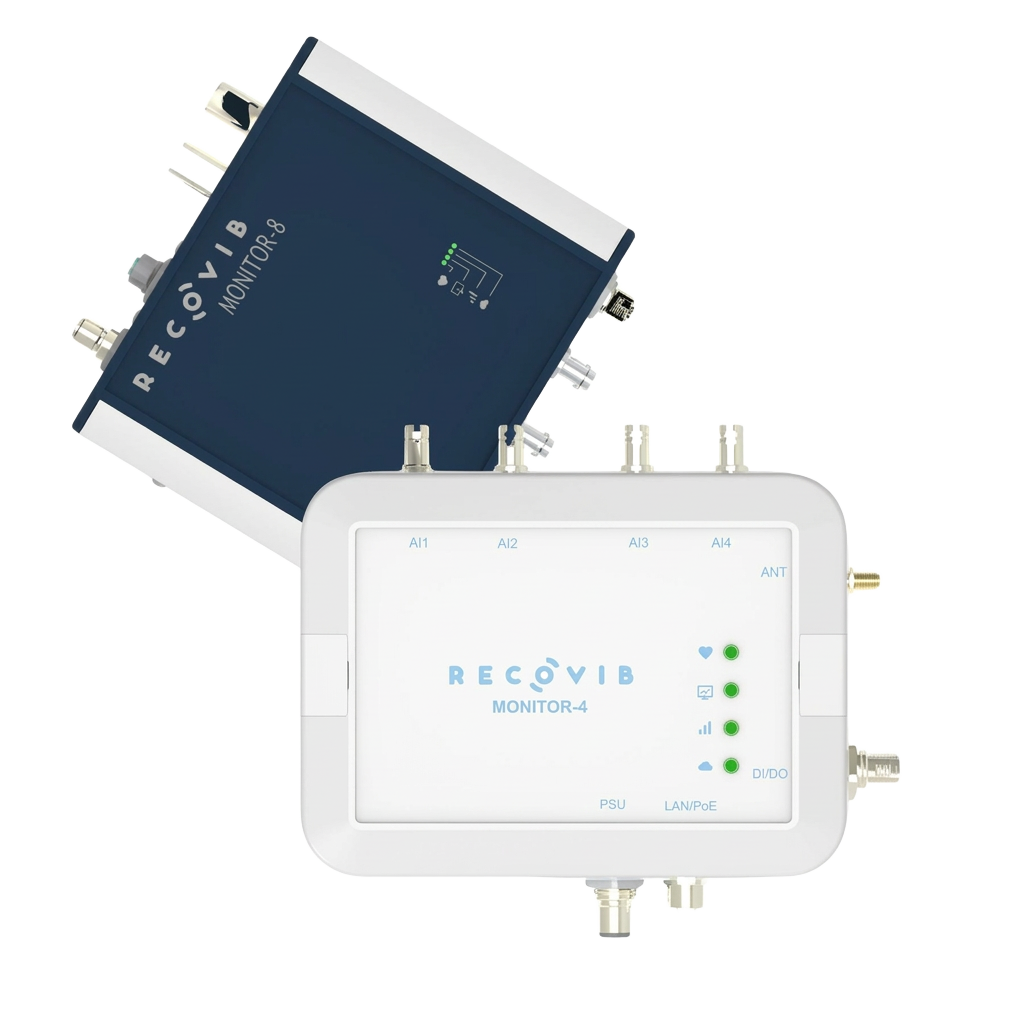 Discover the Recovib Monitor
Recovib.Converter Module
Export the data recorded by the Recovib devices in various data formats (txt, wav, MATLAB, LabVIEW, HDF5 etc.).

Recovib.Viewer Module
Replay the data recorded by the Recovib devices.
Replay a measurement and apply the signal processing options detailed below, in both the time and frequency domains.
Signal processing options
Various signal processing options are available in the time domain.
- High-pass filters
- Low-pass filters
- Band-pass filters
- Integrator filters (velocity mode)
- Dual-integrator filters (displacement mode)
- Exponential RMS
In the frequency domain, several FFT-based computations are offered.
- Amplitude Spectrum
- Peak and RMS
- Power Spectrum
- Power Spectral Density
- Amplitude Spectral Density
Learn Recovib Suite with our video tutorials
Watch our step-by-step YouTube playlist and get the most out of Recovib Suite in just a few minutes, from device configuration to data export.
Third party content blocked
This content is hosted by an external provider that may set its own cookies. It is only loaded once you allow functional content. (YouTube)
Frequently asked questions
What formats can be converted using Recovib Suite Converter?
Recovib Suite Converter allows you to export your data files into several standard formats, providing greater flexibility for further analysis or integration with other tools, including internal company software. Available export formats include text (.txt), CSV (.csv), LabVIEW, HDF5 (.h5), MATLAB Level 5 (.mat) and WAV (.wav). For a detailed step-by-step procedure, please refer to this guide.
Is it possible to convert several data files together with the Recovib Suite Converter?
Yes, you can convert all the data files at the same time. To do that, you need to select the root directory where they are all saved.
Can I download an older version of Recovib Suite?
Yes. Previous versions, down to v2.0.0, remain available. Please note that versions earlier than 3.1.0 require Windows 8 instead of Windows 10. You will find the changelog and the download link for each release in the version history.
Your question is not listed?
Our engineers answer within one working day, in plain language, about sensors, software or a measurement campaign.